Run the installer
After you buy, you land on the download page. Click Download for Windows and run the file when it finishes — it's about 857 MB, so give it a minute.
It installs like any normal Windows program. No account, no key, nothing to activate.

Windows may try to scare you
The first time you run it, Windows might show a blue box saying "Windows protected your PC" and refuse to open the app. This is unnerving, so here's exactly what it means.
It is not a virus warning. It's called SmartScreen, and it appears because the app is new — Windows hasn't seen it downloaded enough times yet to recognise it. Every small software company gets this until they build up a download history.
To continue: click More info, then Run anyway.
If you'd rather verify the file first, the download page lists the installer's SHA-256 checksum. You can compare it against the file you downloaded — if they match, the file is exactly the one we published and nothing has tampered with it.

Pick your AI model
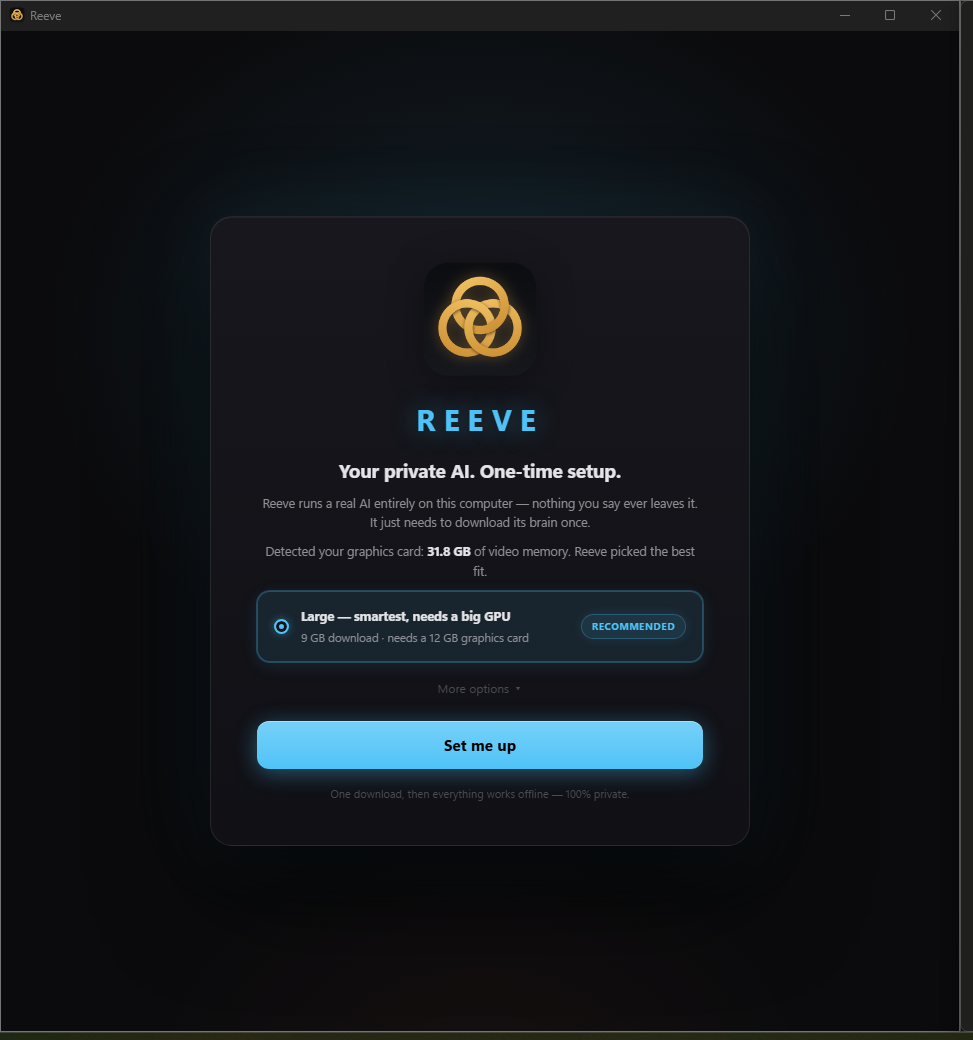
On first launch, … looks at your graphics card and tells you which AI model will actually run well on it. You don't need to know what a quantization is — it picks for you, and you can override it if you want.
Then it downloads that model. This is the big one-time wait: between 2 GB and 9 GB depending on which one you choose. Go make a coffee. You never do this again.
Start talking
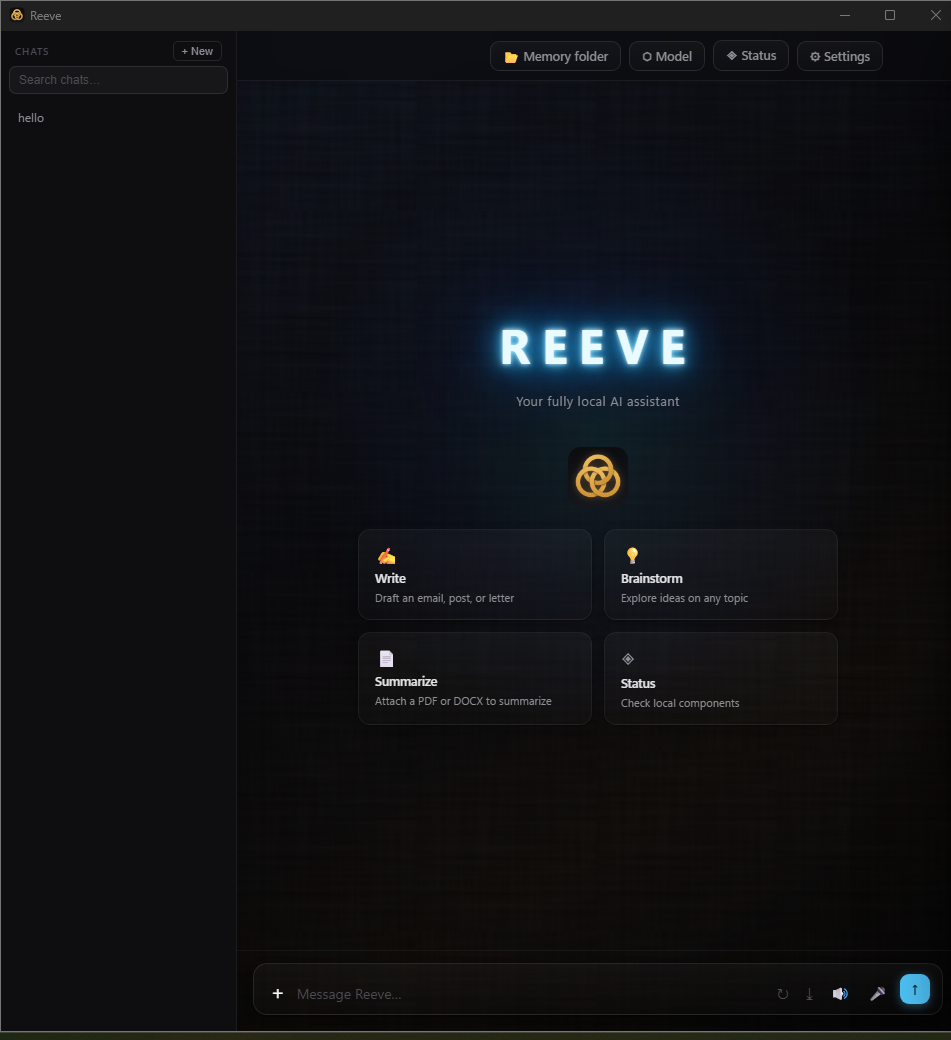
That's it. From now on … opens like any other app and answers from your own hardware.
If you want to prove the point: unplug your internet and keep chatting. Nothing breaks, because nothing was ever leaving your machine.
If something goes wrong
It's slow, or the model won't load. Your GPU probably doesn't have enough memory for the model you chose. Open Settings and switch to a smaller one — the app tells you which ones fit.
The engine won't start. The loading screen shows the real error and a Retry button. Updating your NVIDIA driver fixes most of these.
Anything else. Email [email protected] — a human reads it — or use the feedback form inside the app. And you always have 14 days, no questions asked.